1
Plan
Define audience, goals, and channels for upcoming campaigns.
Strategy lives in slides; tactics live in spreadsheets.
Steady
I led a nine-person design team across two product groups and set the AI design strategy for the four products we shipped inside Marketing Hub. Over four months of a rapid design overhaul and AI adoption, Marketing Hub's CSAT rose from 70 to 84 across all users, and setting up a campaign took half as long.
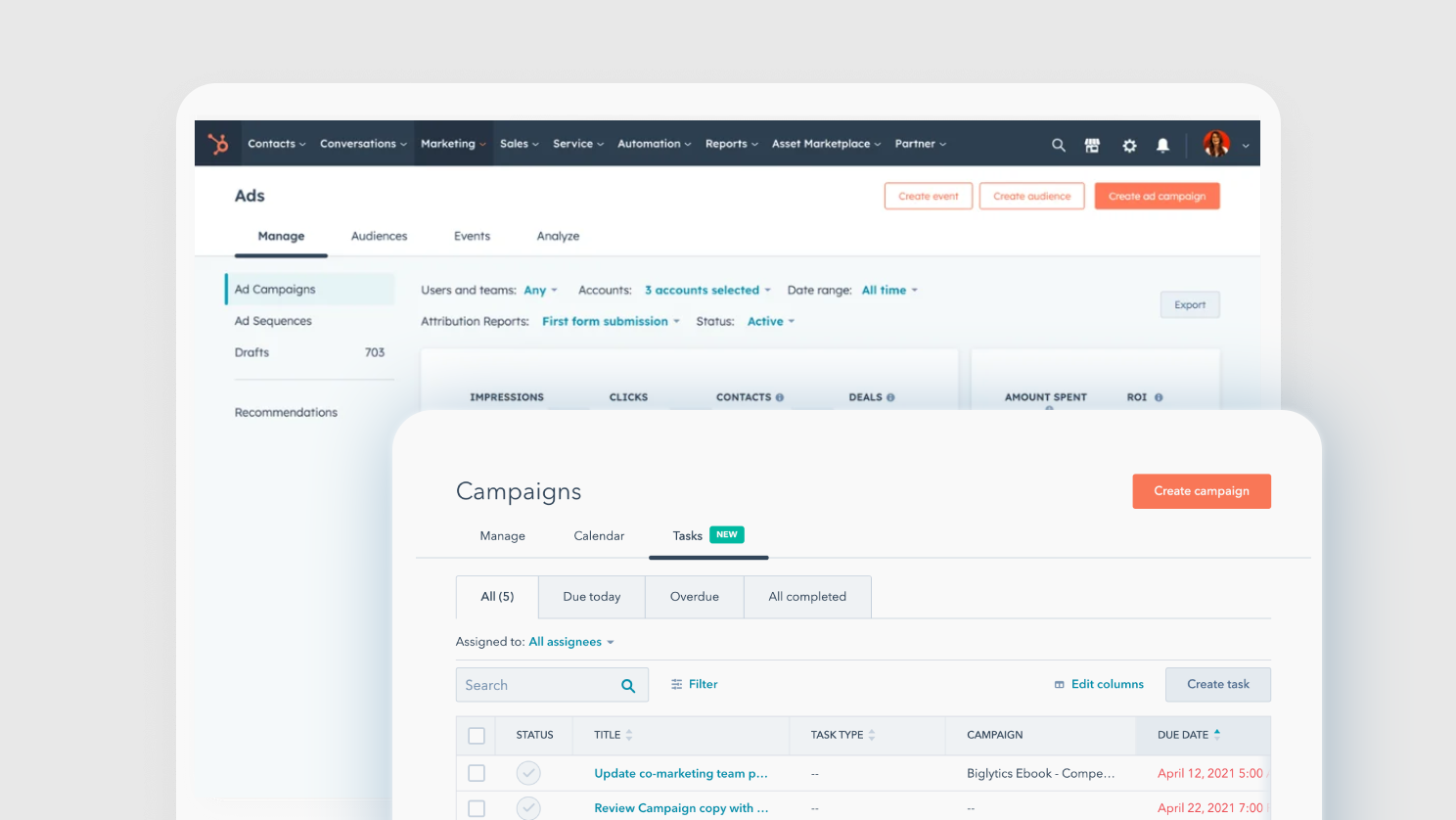
I joined HubSpot's Marketing Hub at the end of 2022, as the platform was doubling down on AI. Marketing Hub helps businesses attract, engage, and grow their audience through automation, CRM, and personalized content, and my team owned its design across every tier, from Starter to Enterprise.
The work I cared most about was making AI pay off in the work marketers did every day. The AI Campaigns Assistant cut the time it took to produce targeted, on-brand content, and multi-touch revenue attribution showed which of that content actually drove revenue, so teams could see what the time savings bought them.
Marketing teams were being asked to ship more campaigns, faster, while making each one feel personal and on-brand. AI could help with both, but only if it fit the way marketers already worked and left the judgment calls with them.
Campaigns required coordination across email, social, ads, landing pages, and blog. The workflow lived across disconnected tools.
AI features were arriving from multiple teams in parallel, each with its own UX patterns and trust model.
Marketers were curious but skeptical. We needed to earn trust before asking them to delegate work.
As Senior Design Manager, I led nine product and content designers across two product groups. My first priority was the team itself: establishing clear ownership, calibrating critique, and aligning on what "good" looked like for AI features specifically.
I set the AI design strategy across both groups and worked with PM and engineering leadership on the order the releases went out in. I stayed hands-on in critique on every AI surface, especially anywhere two agents showed up in the same flow, because that's where products built by different teams were most likely to contradict each other.
The team converged on a small set of principles that shaped every AI surface we shipped.
Marketers see what the agent did and why, and they can edit it. Every AI action leaves a clear trace.
Outputs land in the same fields and states marketers already know, so they edit AI's work the same way they edit their own.
Each AI surface had a clear handoff: preview, edit, regenerate, approve. Marketers stayed in the driver's seat.
Those principles came from real research. Across five campaign phases, friction concentrated in the middle, where building and executing fragmented across tools and teams.
Define audience, goals, and channels for upcoming campaigns.
Strategy lives in slides; tactics live in spreadsheets.
Brief, draft, review, and approve assets across teams.
Work fragments across email, sheets, and project tools.
Schedule, publish, and monitor campaigns across channels.
UTM tracking is manual; nothing lives in one place.
Pull performance data and assess what moved the needle.
Attribution means stitching together five reports.
Share results with stakeholders and shape the next plan.
Lessons rarely loop back to the next campaign's brief.
From those friction points, each AI surface mapped to a specific moment in the marketer's lifecycle. The five phases collapsed into four where AI could move the most work.
Starting from a blank page each year. Aligning goals, audiences, and bets across product and brand teams.
Coordinating channels, dates, and owners. The plan lived across disconnected tools and inboxes.
Producing high-volume, on-brand assets across email, social, ads, landing pages, and blog, and doing it fast.
Knowing which assets actually moved revenue. Closing the loop back to next year's strategy.
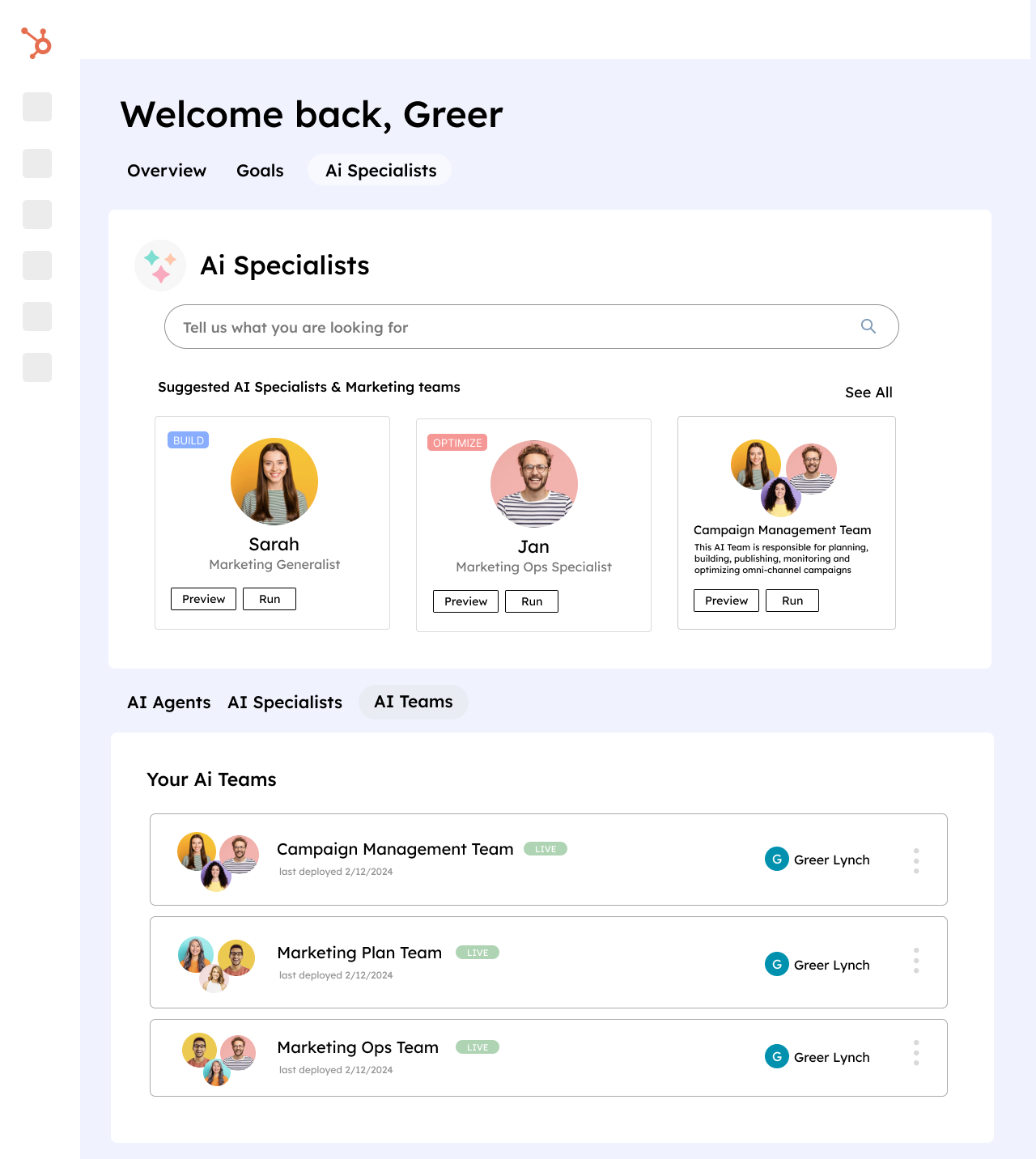
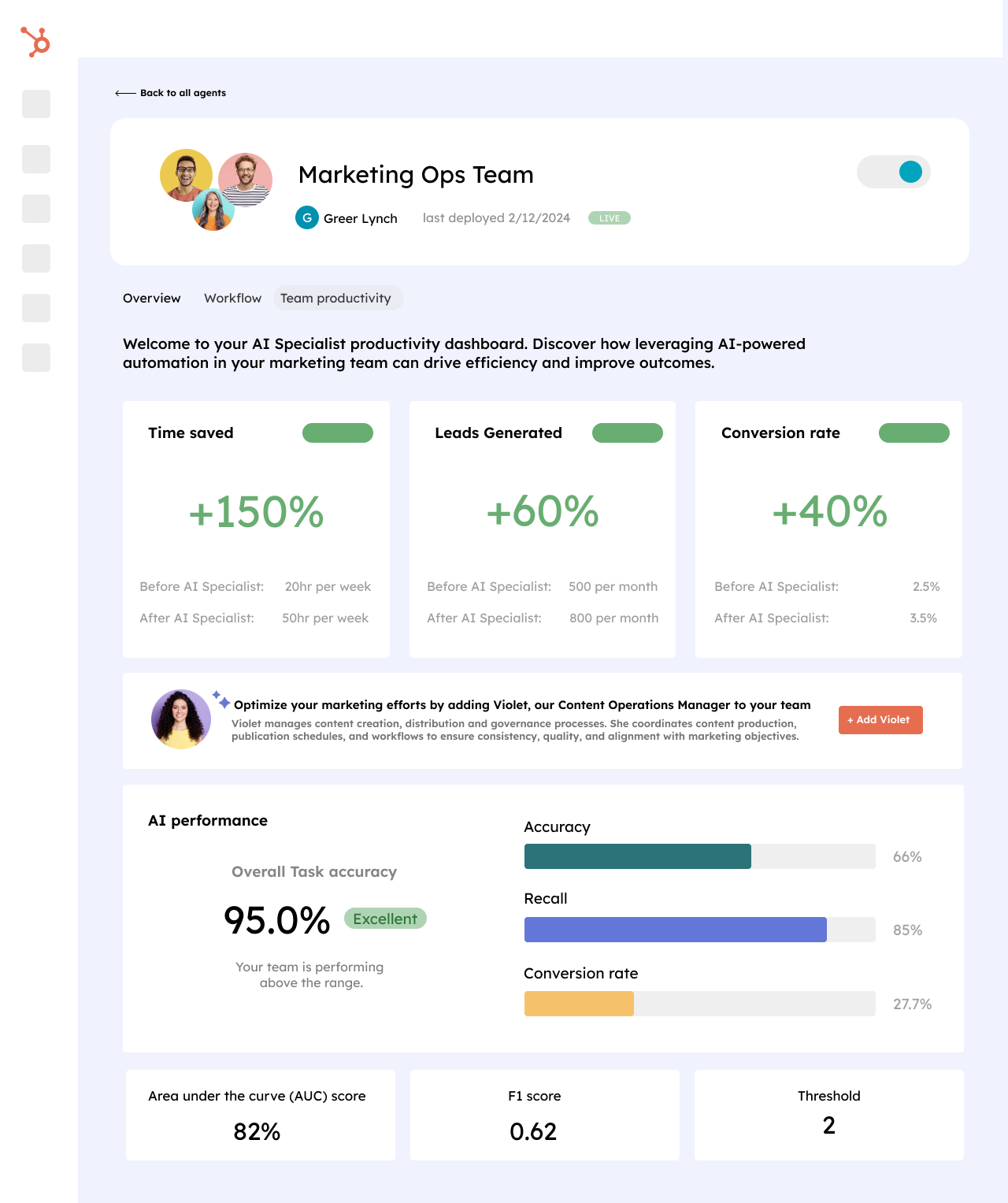
Each AI product targeted a different point of friction. Together they covered the marketer's content lifecycle, and the seams between them are what we'd refine next. My team also designed the agent catalog where marketers picked AI Specialists and AI Teams to plug into a campaign.
Generates campaign briefs, target audiences, and asset drafts from a marketer's prompt, taking a plan to first drafts in one step.
Reformats one piece of content into channel-native versions, like a long blog into a thread or an email into social posts, so one idea can run everywhere.
In-context help inside the editor to draft, edit, summarize, and translate without leaving the page.
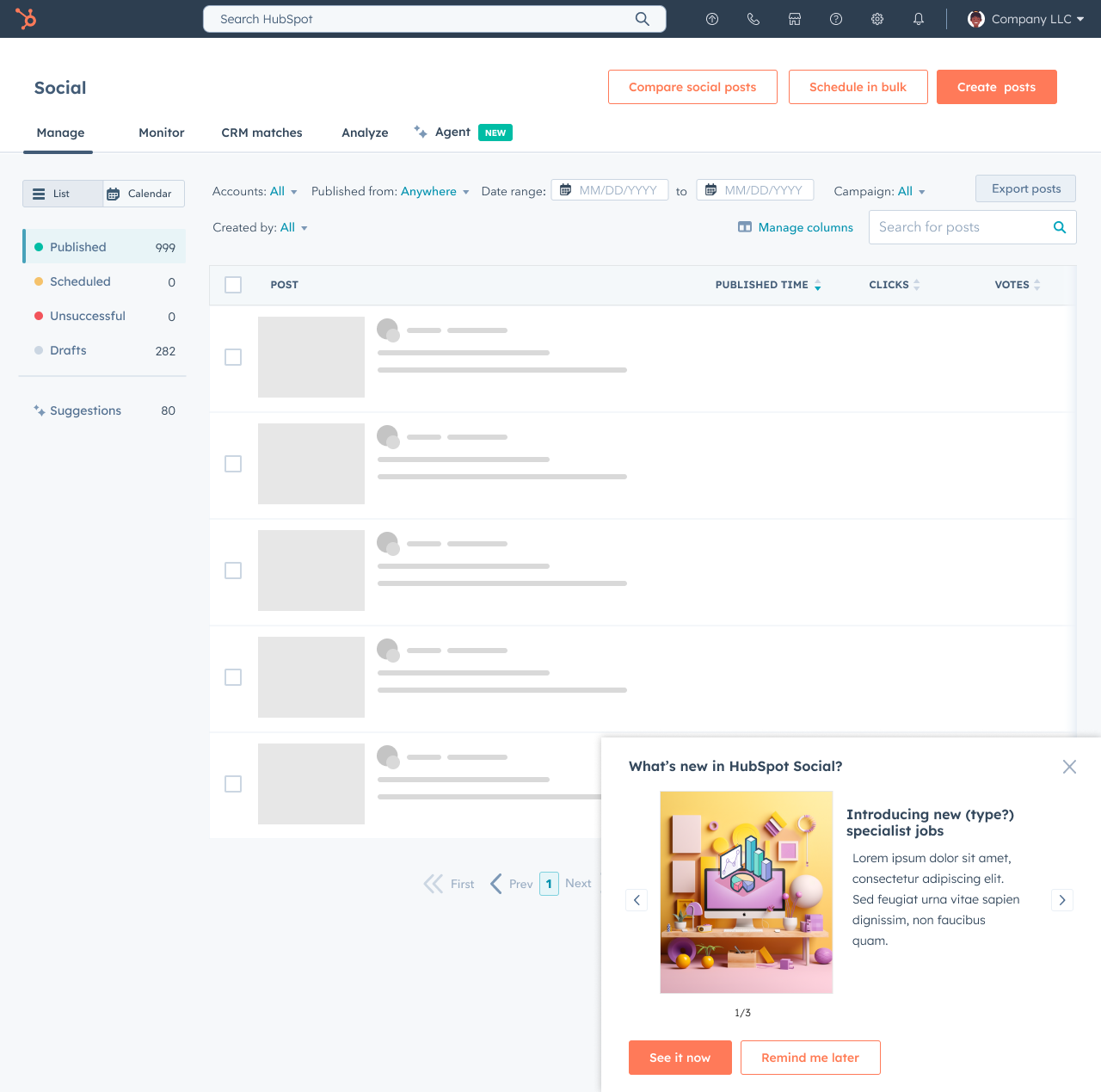
Channel-aware social posts with each platform's voice, length, and CTAs built in, so marketers don't have to rewrite for every network.
A look at the AI Campaigns Assistant in flow: plan, build, and distribute, with measurement closing the loop.
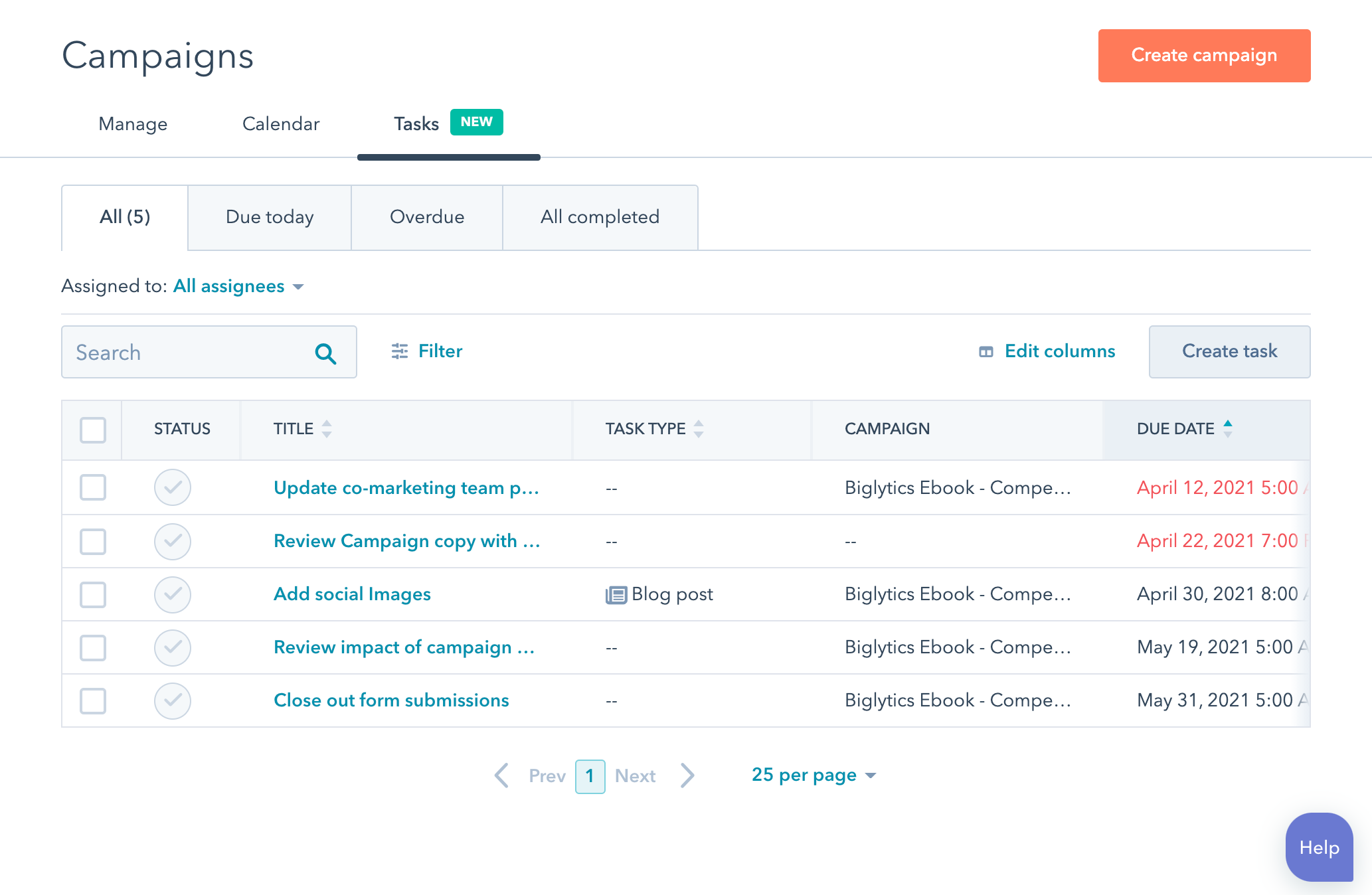

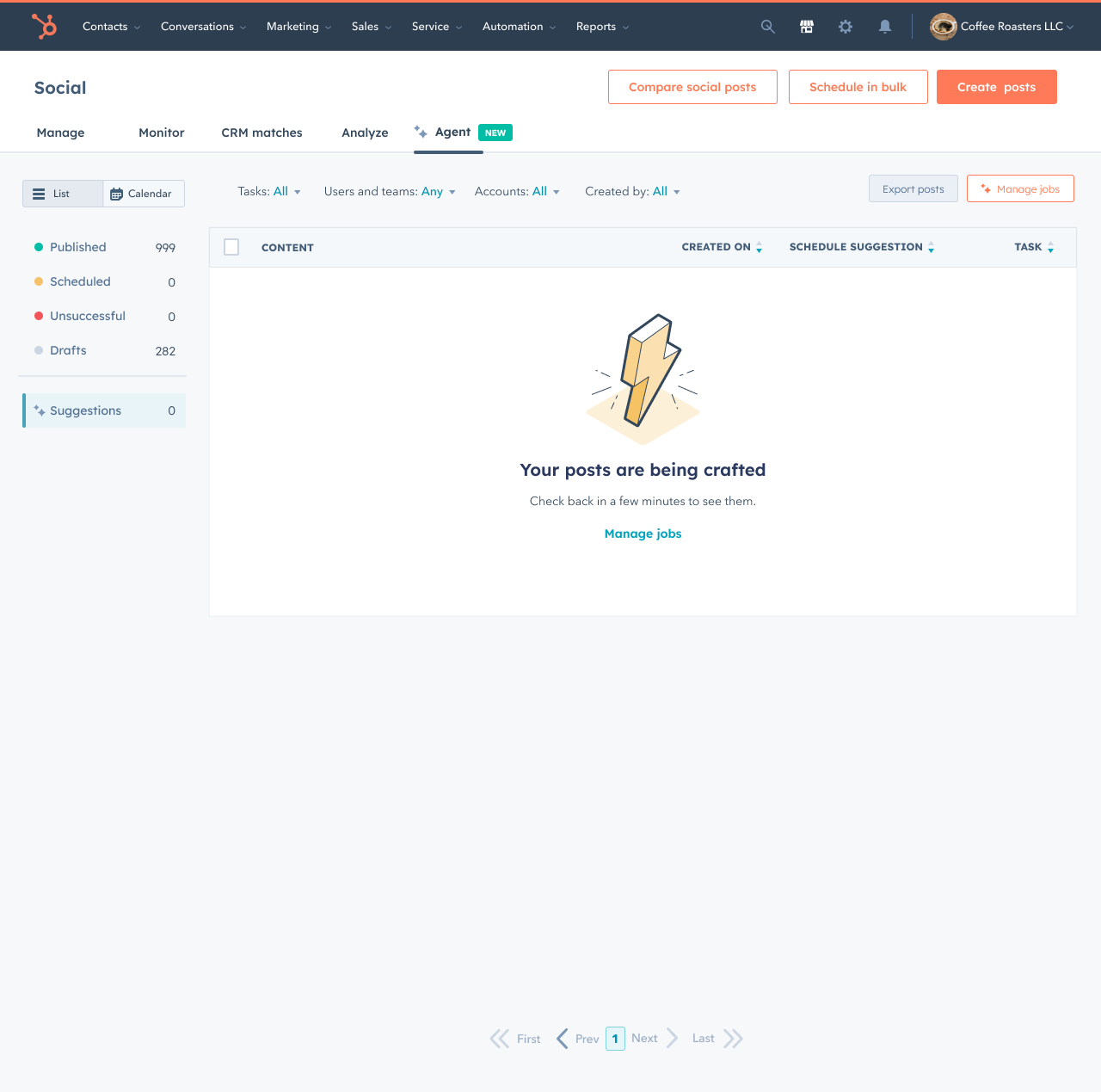
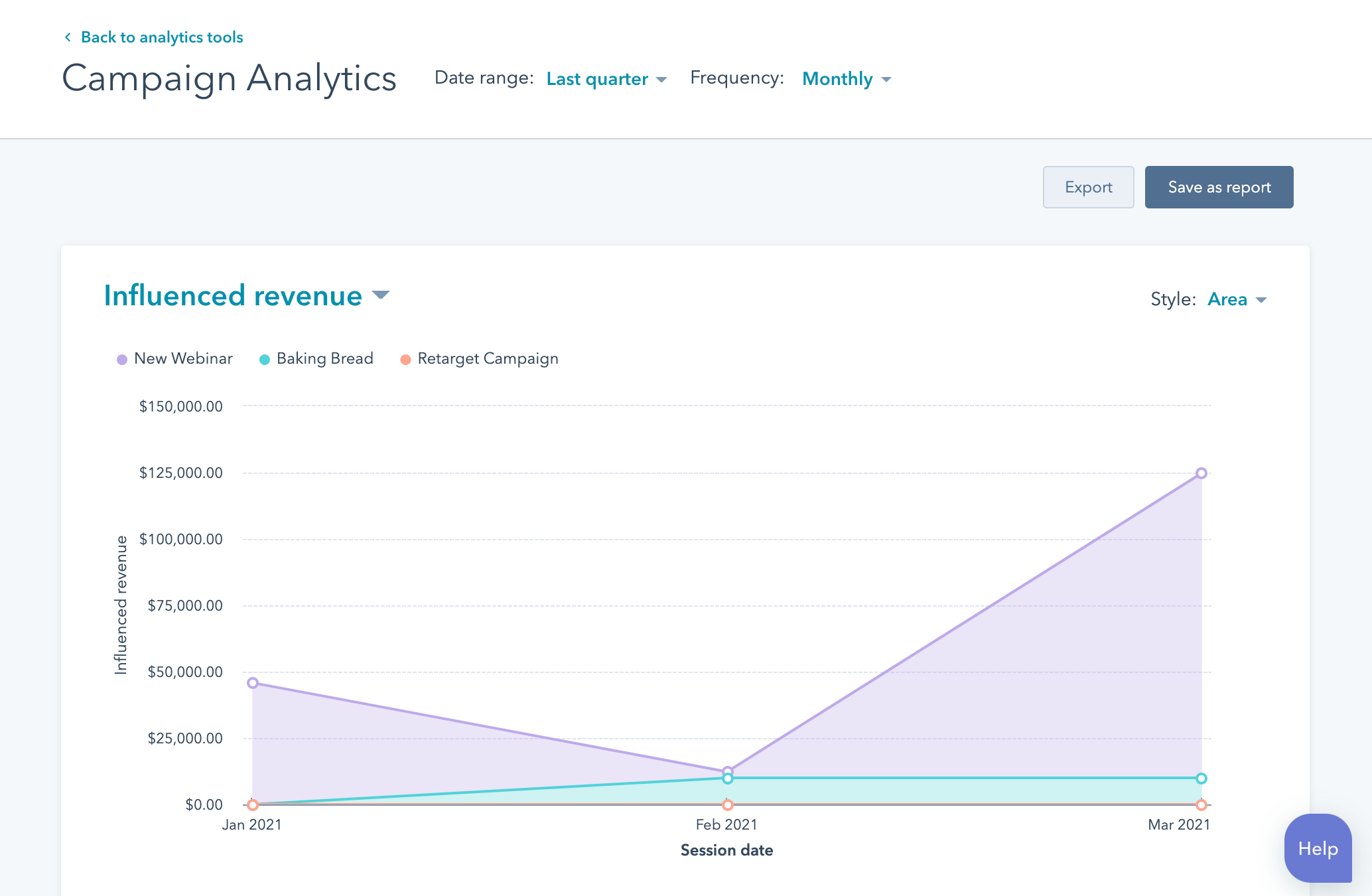
This was HubSpot's first generation of generative AI, and the models hallucinated. We knew they would, so we built guardrails into every surface to catch a bad answer before it reached a customer.
Each feature went to HubSpot's own marketers first, then to beta customers, then to our Solutions Partners and the product council before general release. Every ring was another chance to see where the output broke while the stakes were still low.
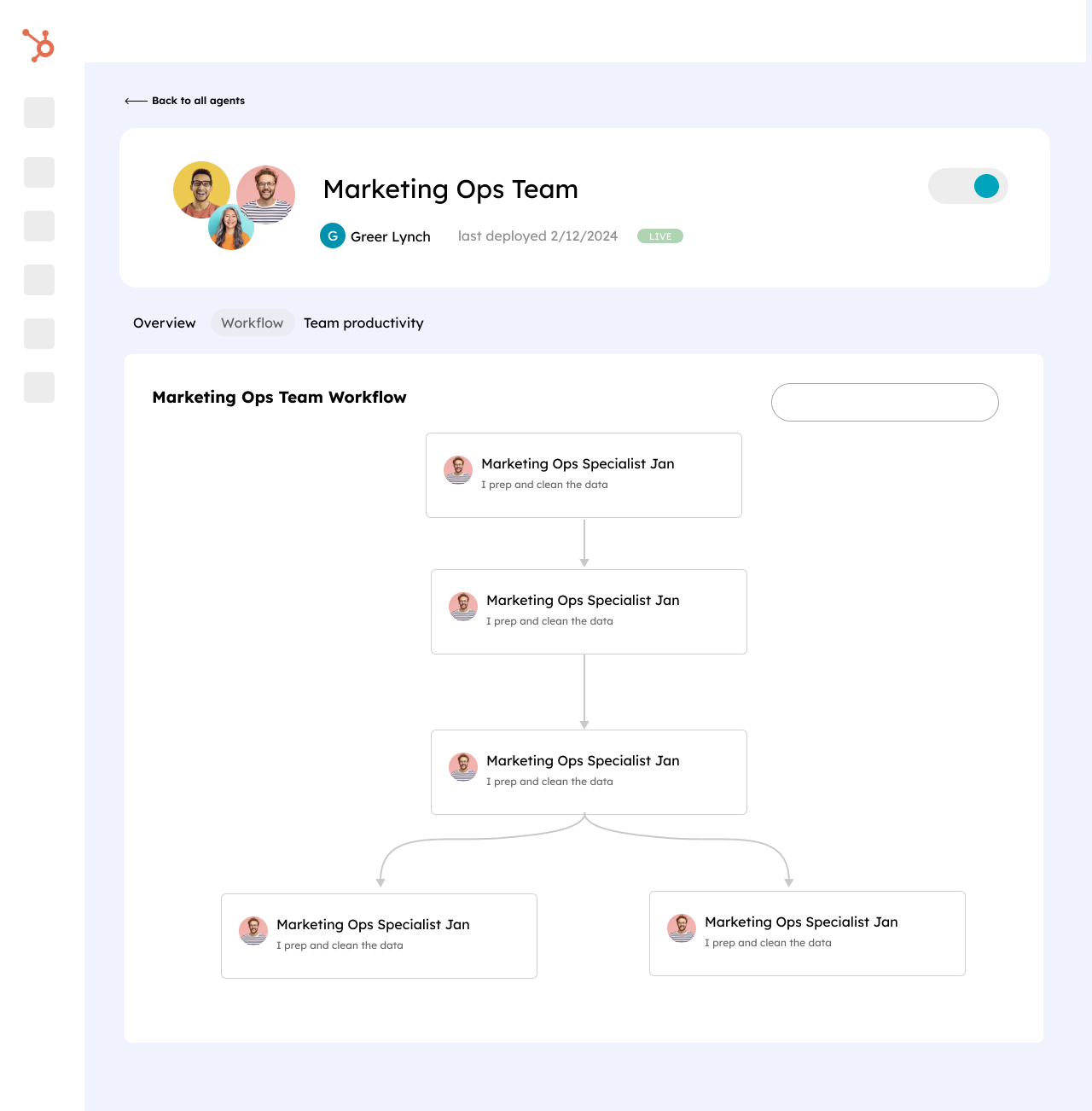
Agentic AI was experimental, so we kept each agent's task simple and chained the steps: brief, then audiences, then drafts. A hallucination stayed inside one step the marketer could check. The price was a workflow that felt fragmented, the first seam I'd fix today.
Nothing an agent drafted went out until a marketer signed off. Brand voice settings kept drafts sounding like the company, and admins could switch AI features off for their whole account.
A draft in the editor, never a published asset
Edit it inline, or regenerate before approving
A draft shaped by the account's brand voice settings
Tune the voice settings, or edit the draft
Small chained steps, each with its own preview
Fix the step that went wrong and keep going
AI features an admin can switch off
Turn them on when the team is ready
HubSpot reported these on its earnings calls. They cover all of HubSpot's AI, my team's products included.
CSAT comes from HubSpot's Marketing Hub-wide survey of all users, taken before the overhaul and again four months later. Over the same four months, setting up a campaign took marketers half as long, with the Campaigns Assistant now drafting the brief, audiences, and first assets.
Every shipping window forces a choice. Two stand out from this one.
I pushed to ship all four in parallel, because steady releases showed customers real momentum and earned their trust sooner than one big launch would have. The cost was that each product's UX grew on its own track, so we standardized the shared patterns after launch instead of before.
Early prototypes leaned on raw generation. I asked the team to add preview, edit, regenerate, and approve to every AI surface, even where the model could have skipped them, because marketers who were skeptical of AI would only hand over work they could check first.
The thing I'd give more time to, in retrospect, is the seam between agents. We shipped Campaigns Assistant, Content Remix, AI Copilot, and Social AI Composer in parallel. Each was strong on its own, but the handoffs deserved more attention than the schedule allowed.
Some of this was the moment in AI: this was before LLMs could do what they can now. We were designing for narrower, more deterministic models, and “agent collaboration” meant something closer to coordinating four well-defined products than orchestrating one fluid assistant.
With current models, I'd revisit how those four surfaces compress into fewer, more capable agents, and how the marketer moves between them feeling like one continuous conversation.